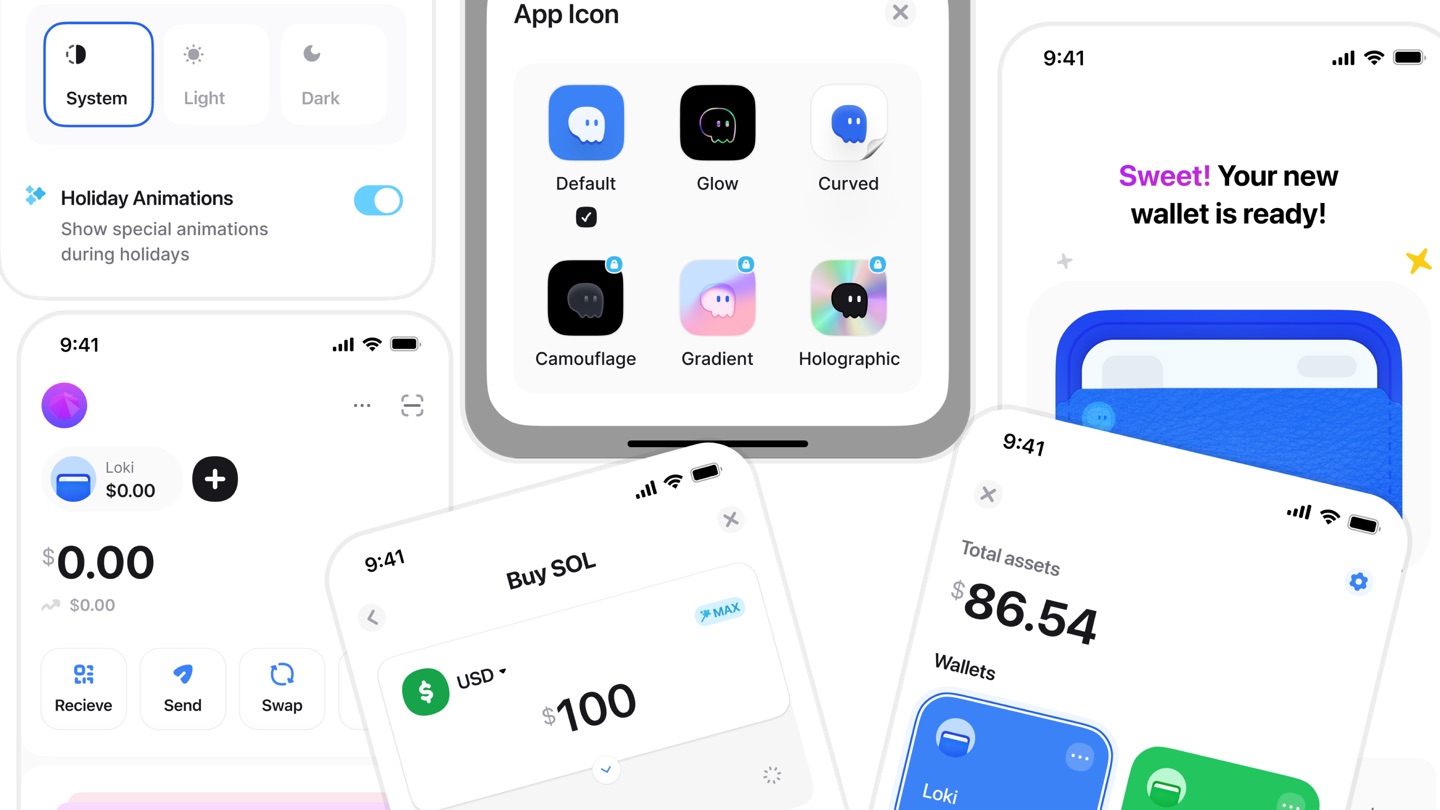






$86.54

$1.28 (1.51%)
Ghost
Wallet switching and an AI guide for a self-custody wallet.
- Role
- Sole designer on a self-initiated project, released as a UI kit
- Timeline
- 6 weeks
- Scope
- Competitive audit, product direction, branding and interaction design
Two questions before moving money
In a self-custody wallet, every transaction is final, and there's no support team to call. Before moving money, people need two answers:
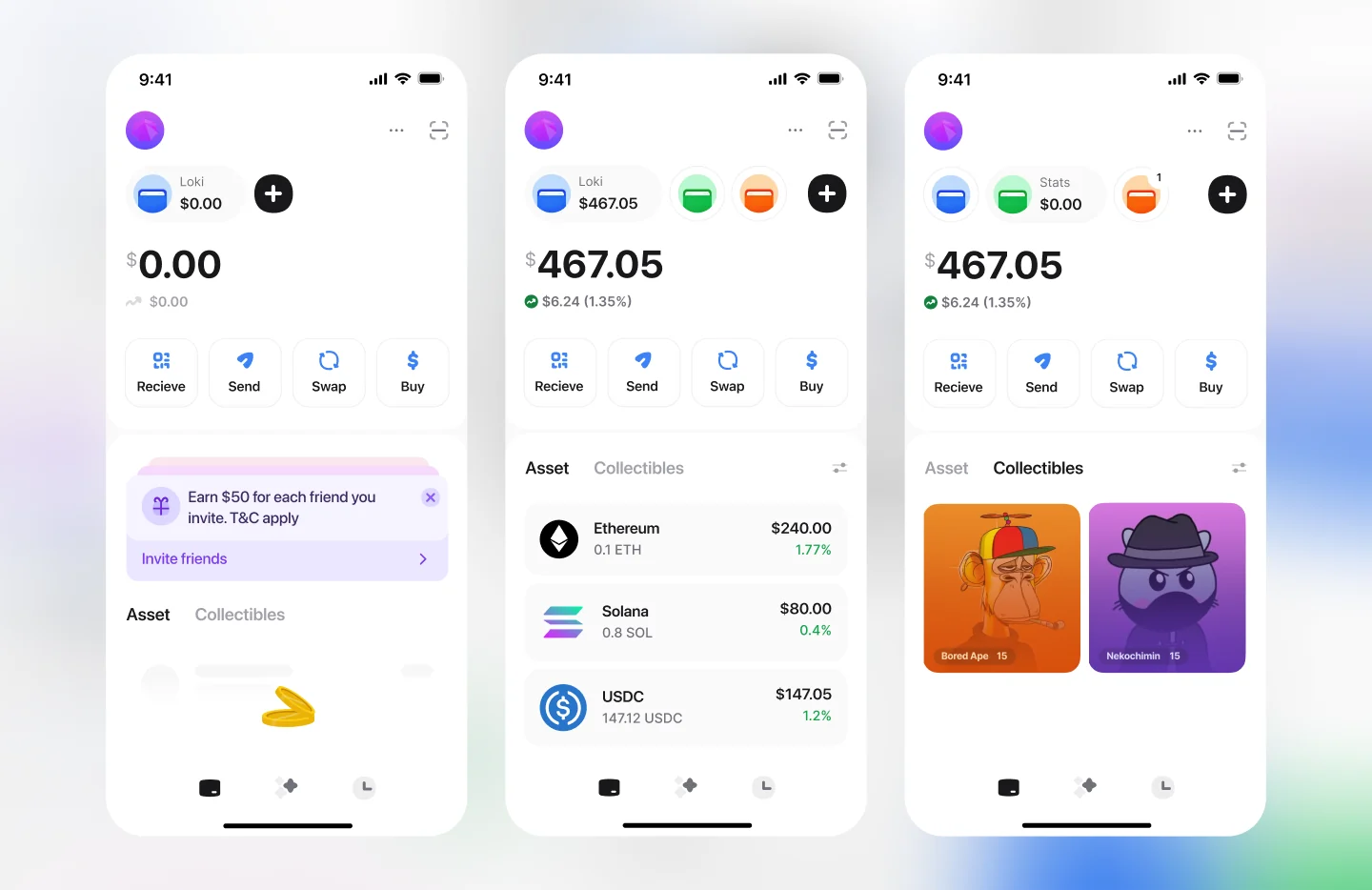
Which money am I using? — Most wallets show only the current wallet's name, with the others behind a dropdown. You have to tap to see your other wallets or confirm which one you're in.
Should I do this? — 26.5% of confused Bitcoin users don't know when to buy or sell (2025 GoMining industry survey).
Ghost is for people still finding their feet in self-custody: they may have more than one wallet, but they don't yet feel sure about moving money.
What I found
I audited 14 crypto products. Three things stood out:
Wallets hide your wallets
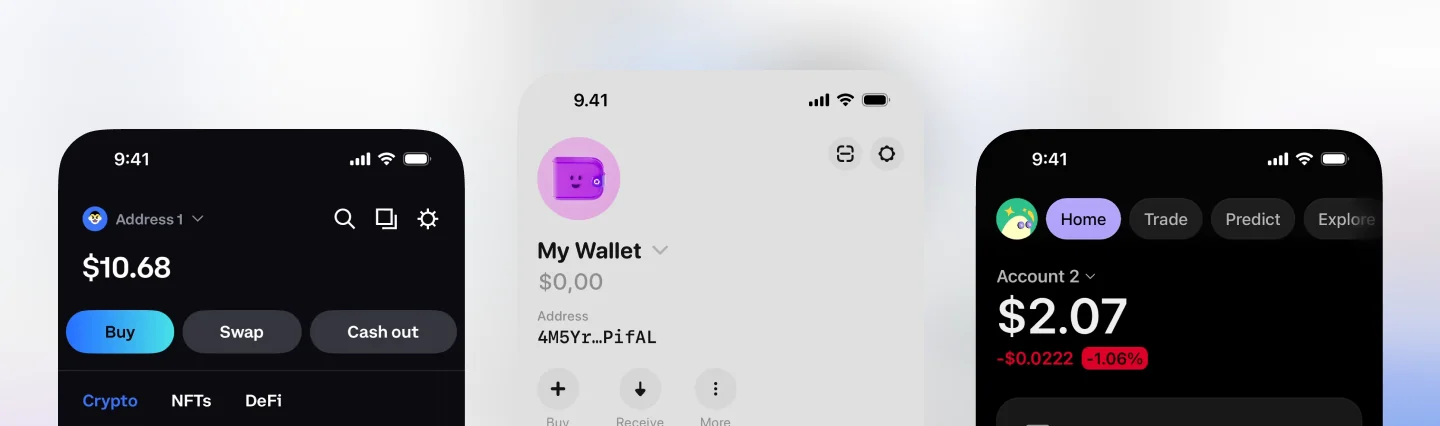
Glow, Trust Wallet, Phantom and Coinbase Wallet all use a dropdown. It saves space, but it hides the first answer.
Exchanges have AI guides; wallets don't
People get the least help in the place where mistakes can't be undone.
Guidance can't become advice
Telling someone to buy can count as regulated financial advice.
My principles: show, don't hide. Ask, don't assume. Inform, don't instruct.
Show the wallets
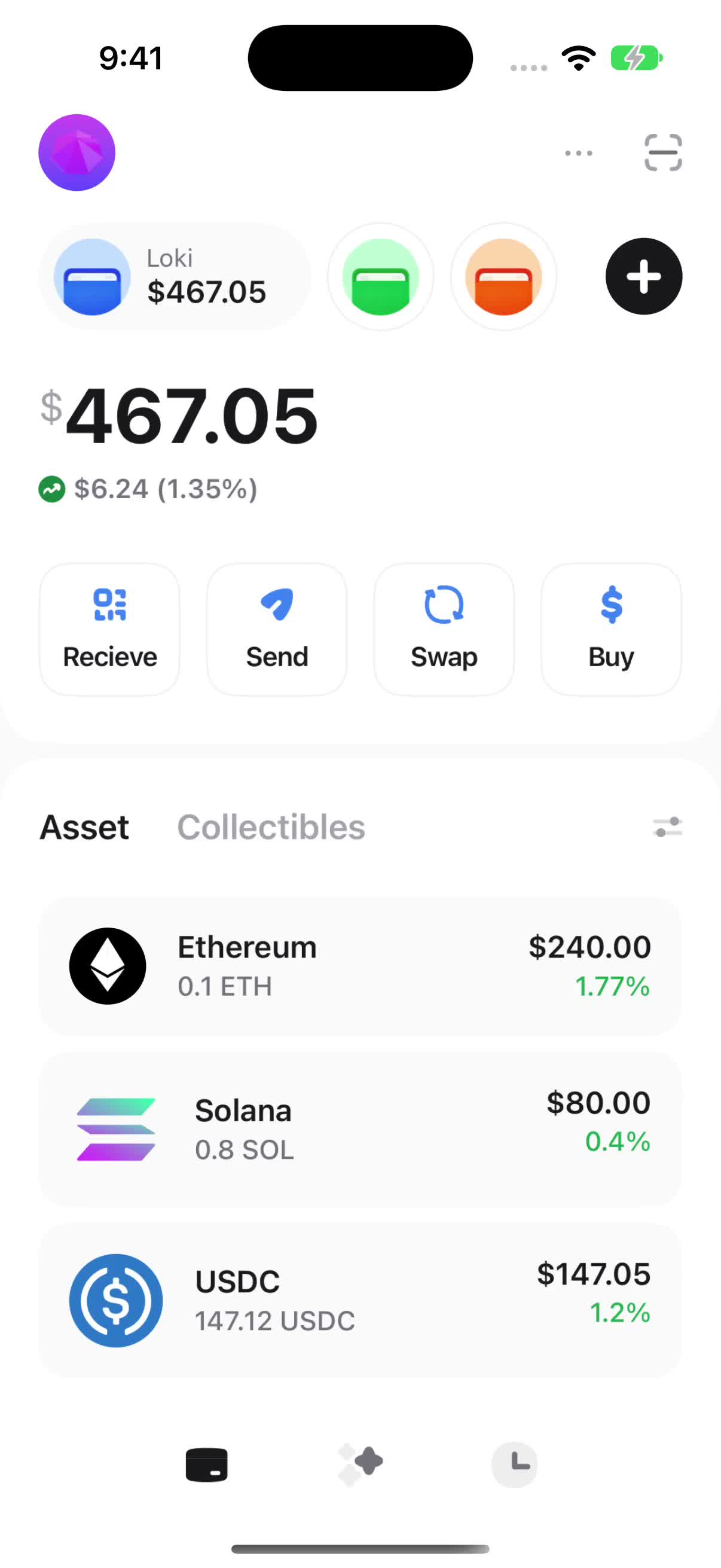
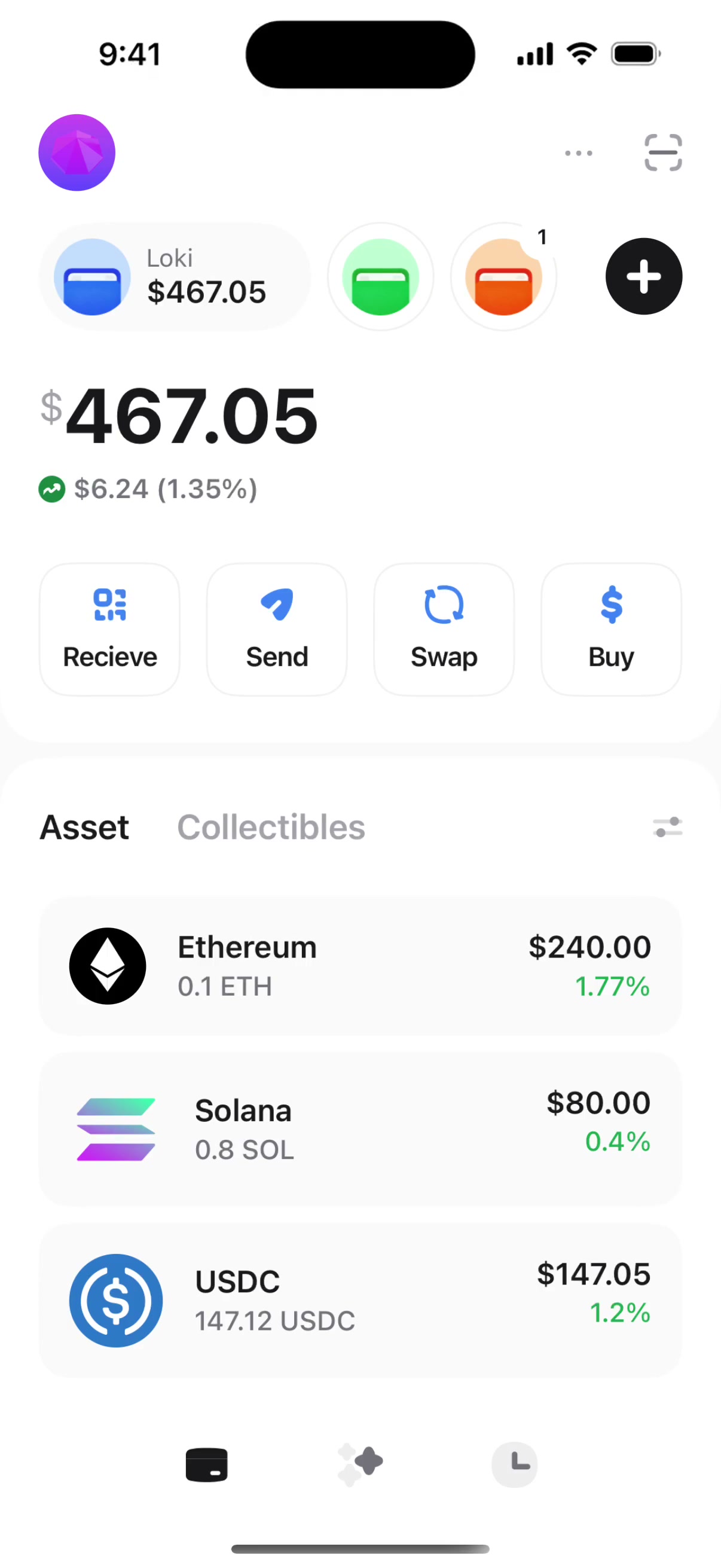
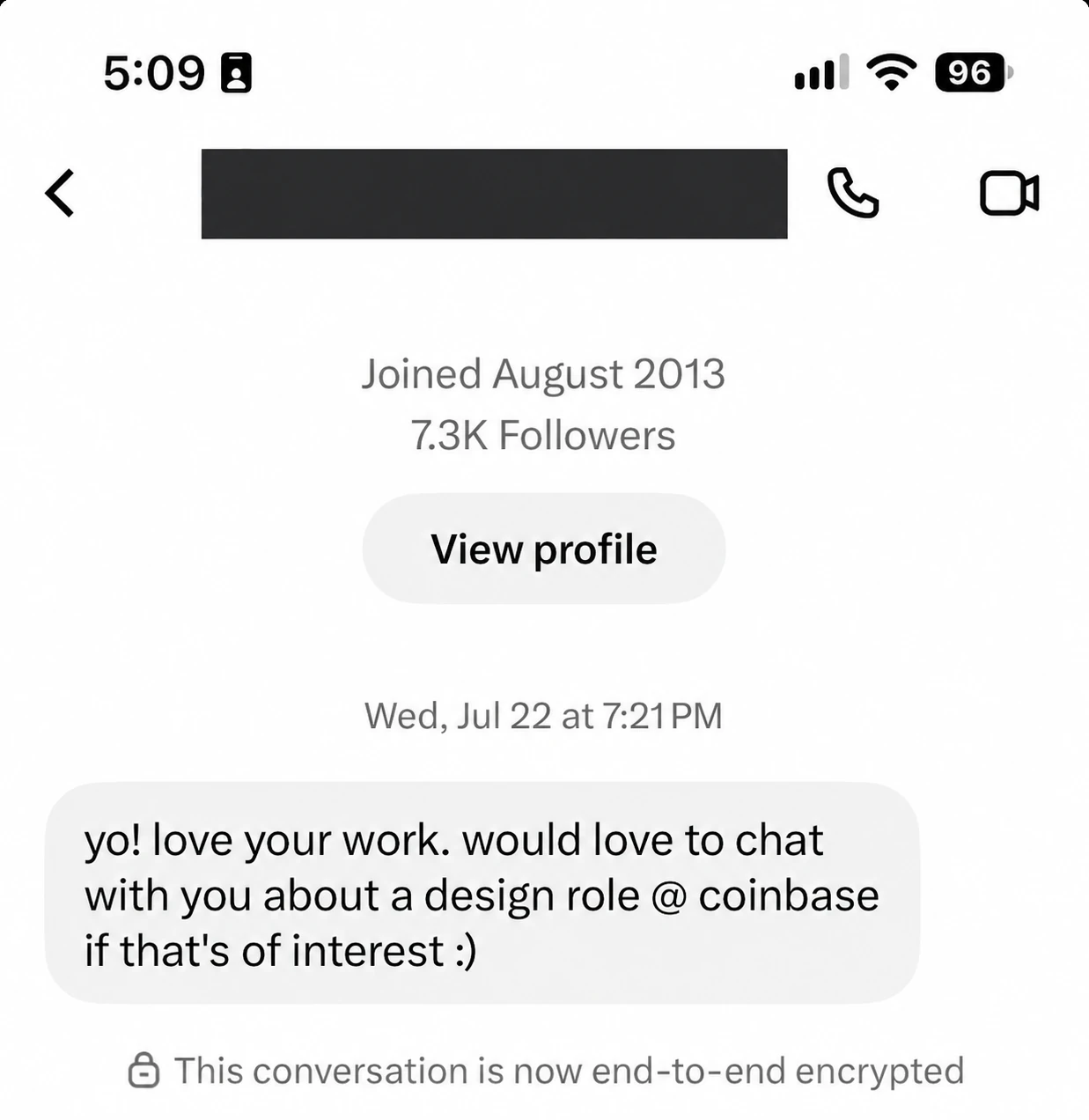
I didn't reinvent the wheel. People already switch between accounts in different currencies in their finance apps, so the pattern is familiar. I brought it into crypto, where each wallet works like one of those currency accounts. Each wallet sits at the top of Home as a pill with its balance, and tapping a pill opens that wallet. You can see where your money is without a tap. This is the interaction that caught a senior Coinbase designer's attention when I posted it.
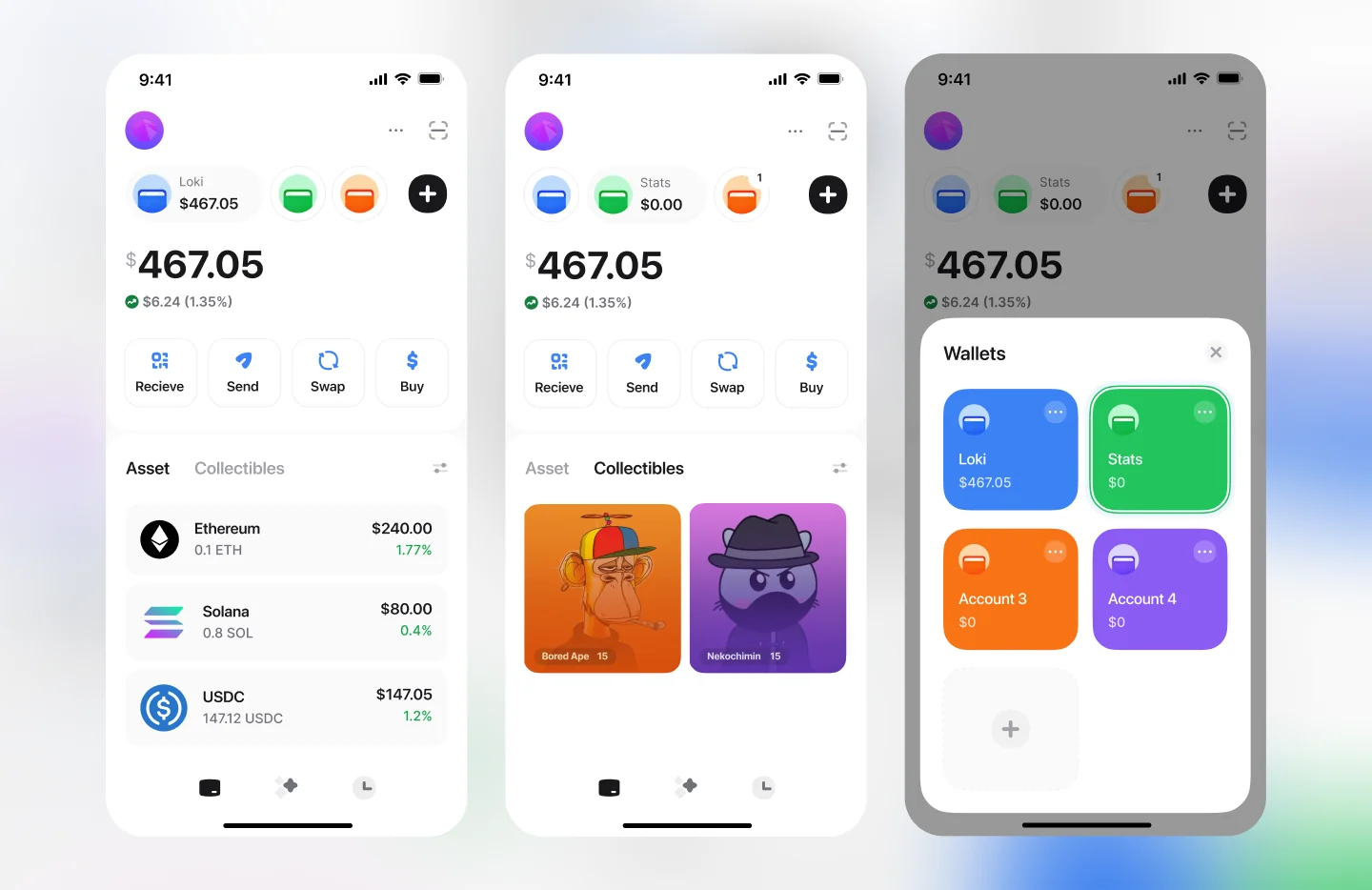
The trade-off: pills take space that a dropdown doesn't. So I capped it. With more than 3 wallets, the last pill shows a count, and tapping it opens a modal with all your wallets. People with a few wallets see them all at once, and people with many still get a full list.
Each wallet also gets its own colour, carried from Home to settings, so you recognise it before you read its name.

Ask, don't assume
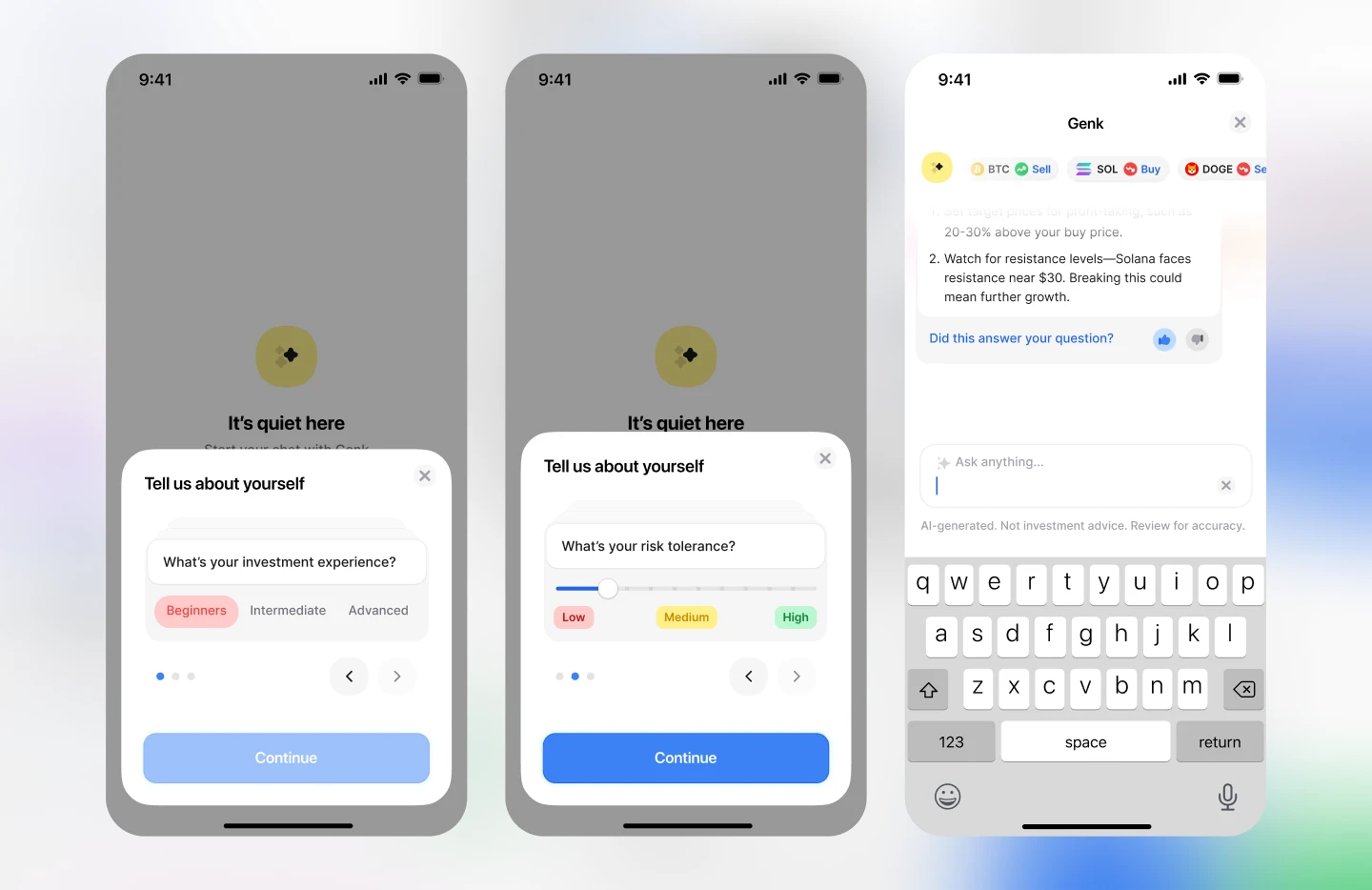
Genk is an AI guide in the app. Before the first chat, three cards ask about your experience, your goals, and your risk tolerance. Exchange assistants guess from your trading history, but a new user has none, so asking works from day one.
Inform, don't instruct
My first version had chips saying “SOL · Buy”, right above “Not investment advice”. Those two lines contradict each other, so I changed it. Chips now describe the market (Momentum, Cooling, Volatile), and tapping one explains why, with both sides. The decision stays with the user.
This is where both answers meet. On the review screen, you see which wallet you're paying from, and Genk checks the contract, the price, and whether the amount fits your risk setting. Only a wallet sees this moment, and it's where mistakes cost the most.
Outcomes
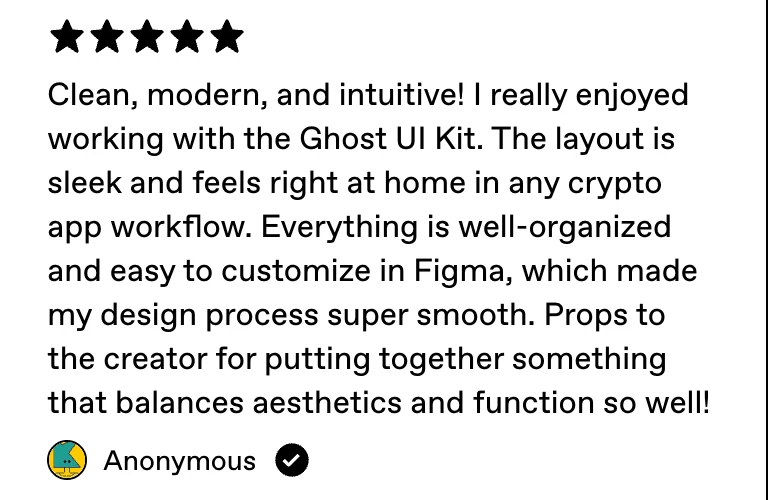
4,000+ downloads across Figma Community, UI8 and Gumroad.







The wallet switch got me noticed. — A senior designer at Coinbase reached out about a role after seeing the wallet switch interaction I posted.
The market moved the same way. — Kraken, Binance and Bybit have since launched personal AI assistants, though none inside a self-custody wallet.
Prototype testing
I tested a clickable prototype with 5 crypto users. Each did two tasks:
1. Switch from Loki to Account 2.
2. With more than 3 wallets, find and open one that isn't shown on Home.
What I learned
Familiar beats new. — The switch works because people already know it from their finance apps. Borrowing a pattern on purpose is a decision, not a shortcut.
In finance, words carry legal weight. — “Buy” is a recommendation, not a label.